

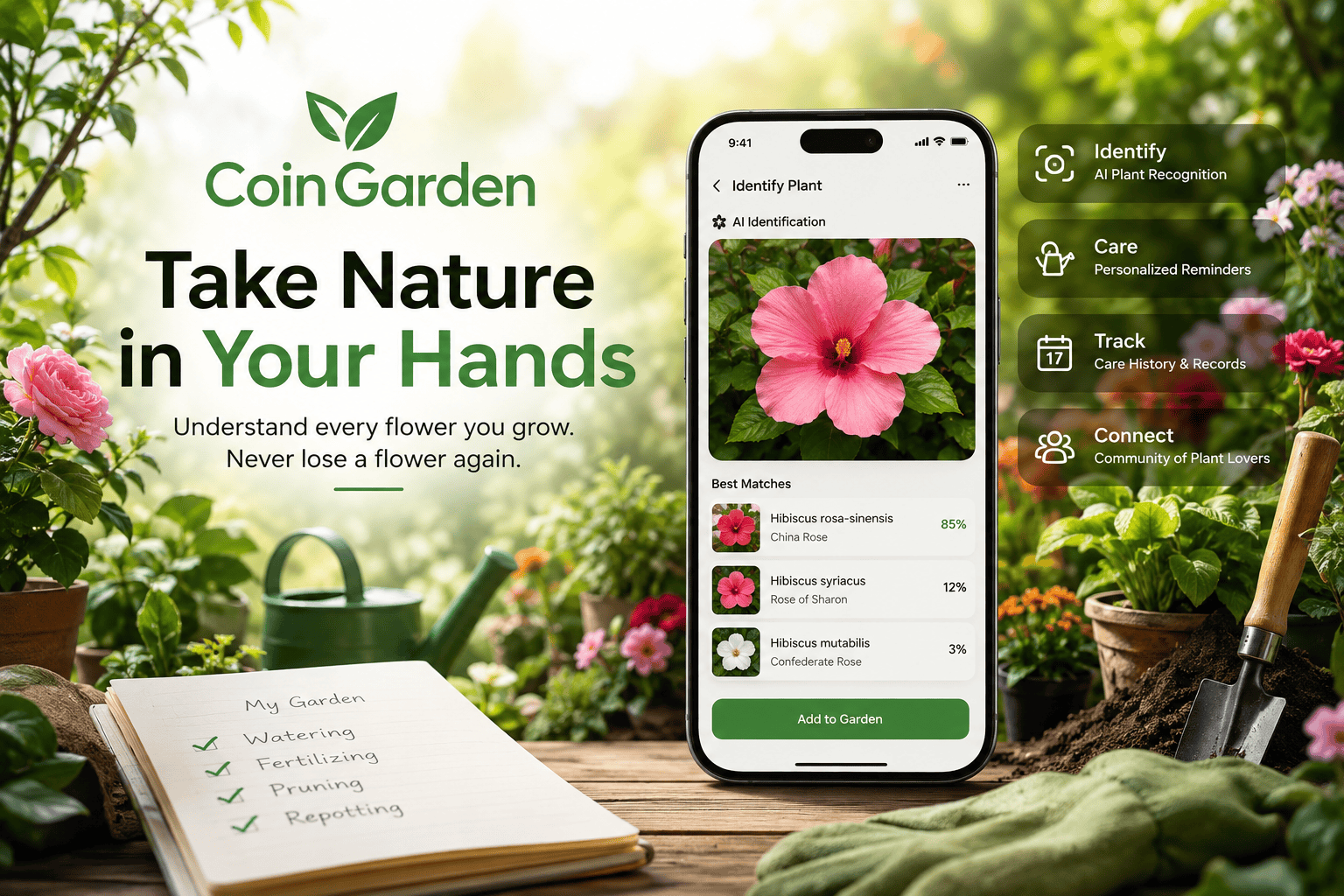



I have ten different flowers in my garden. I don’t know the name of every one of them, and even when I do know a flower’s name, that doesn’t necessarily mean I know how to take care of it properly.
So I decided to put CoinGarden to the test and see whether AI could actually make managing my garden easier.
What started with identifying a few flowers turned into something much more useful: a simple way to keep track of what each plant needs and when it needs it.
I Started With a Picture
The first thing I tried was CoinGarden’s flower identification feature.
I went to the scan screen, took a picture of one of my flowers, and let the AI analyze it.
Instead of giving me just one answer, CoinGarden showed me three possible matches, each with a probability score.
In most cases, the first result was the flower I had photographed.
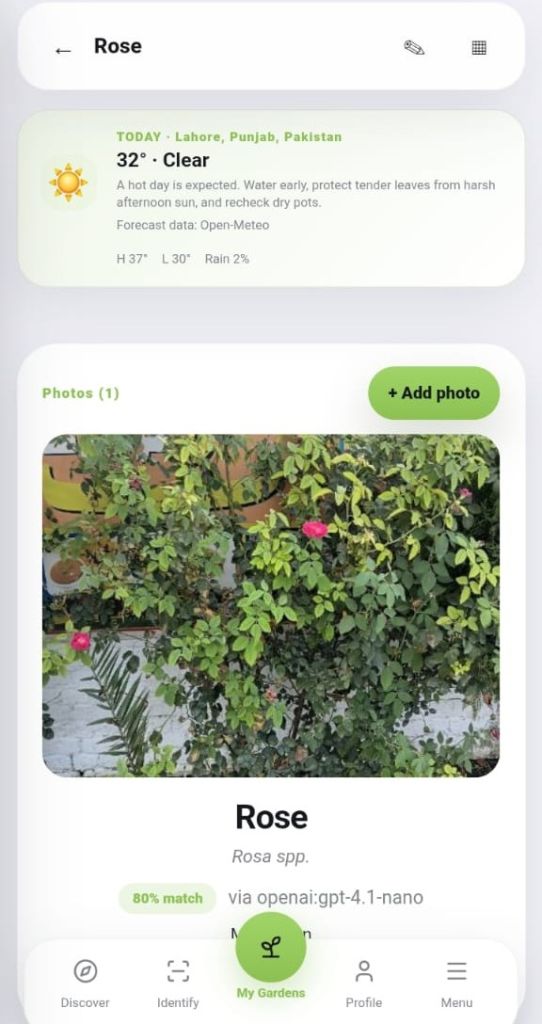
I simply selected the correct match, and CoinGarden then asked me a few details about the flower, such as whether it was indoors or outdoors, along with its nickname and age.
After that, the flower was saved to my Garden.
The process was quick, and I didn’t have to manually search through plant names or try to figure out complicated scientific information myself.
Testing CoinGarden With a Difficult Plant
Most of my flowers were relatively easy for the AI to identify.
But I wanted to see what would happen with something more difficult.
So I tried CoinGarden with a picture of a tree that is around 100 years old.
The photograph wasn’t very clear, and this time the AI wasn’t as confident. The top result had only a 60% probability.
Instead of simply trusting the result, I checked the scientific name myself.
It was correct.
That made me trust the process more—not because the AI was perfect, but because it still gave me a useful result that I could verify when the picture wasn’t ideal.
For me, that’s an important part of using AI for something like gardening. It doesn’t have to replace my own judgment. It can simply give me a starting point.
Ten Flowers Don't Mean One Routine
Once I started adding my flowers to CoinGarden, another problem became obvious.
I had ten different plants, and they don’t all need the same type of care.
One might need regular watering, while another may need less. Some may require fertilising, pruning, or repotting at completely different times.
CoinGarden lets me set up care for each flower individually.
I can create care schedules for things such as:
- Watering
- Fertilising
- Pruning
- Repotting
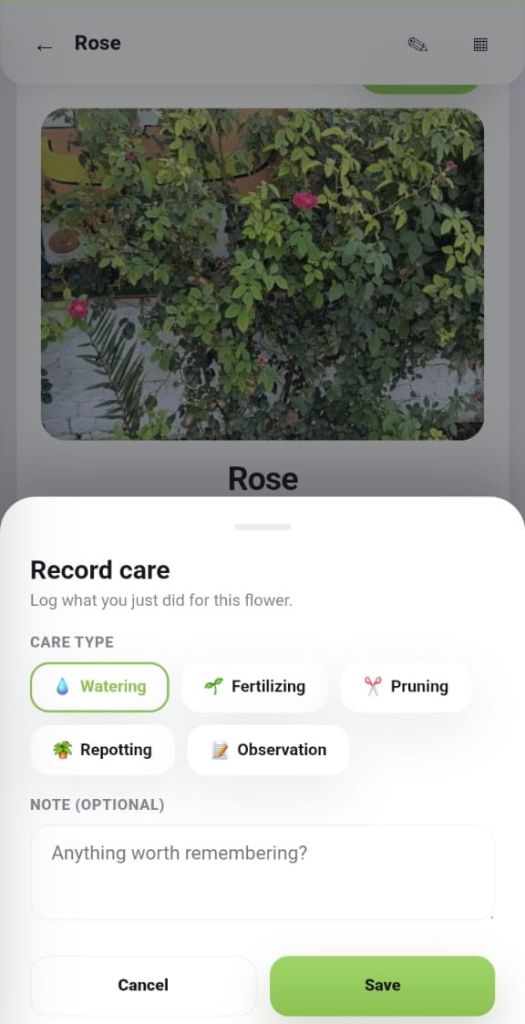
Instead of trying to remember every plant’s routine myself, each flower can have its own schedule.
With ten plants, that makes a bigger difference than I expected.
Reminders That Tell Me What Needs Attention
I don’t open the app every morning just to check what needs to be done.
Most of the time, I open it when I have a reason to.
When a care notification arrives, it tells me which plant needs attention and what I need to do.
After completing the task, I simply mark it as done.
The record is updated, and the next care session is scheduled.
What I found particularly useful is that the watering schedule can also take the last watering session and weather forecast into account.
For example, if there is a high chance of rain, the app can adjust its guidance rather than simply telling me to water the plant because a fixed reminder says it’s time.
For someone like me, that means less remembering and more simply responding when something actually needs attention.
My Garden Starts Building a Record
Another feature I found useful was the care history.
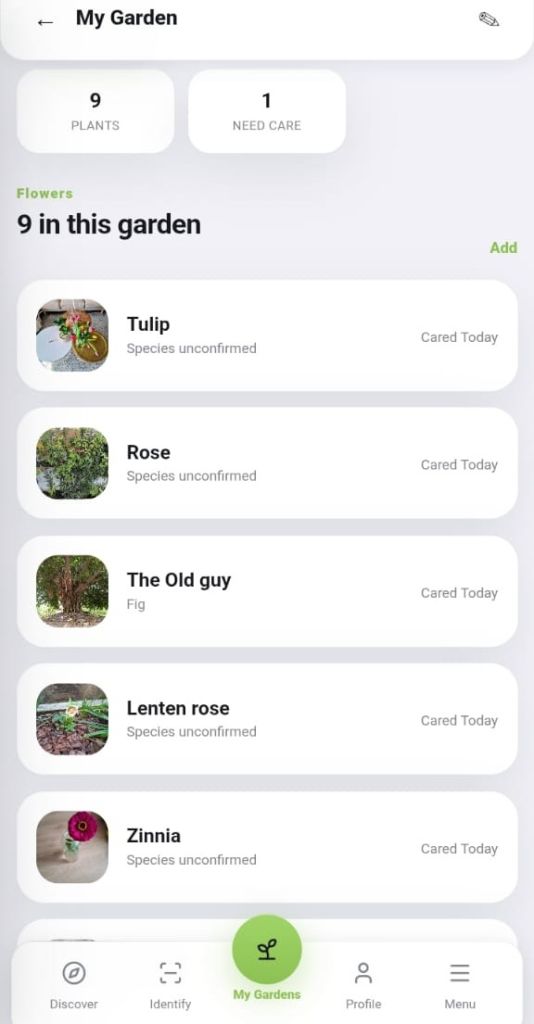
When I open a flower from my Garden, I can see its care record and the next scheduled session.
Over time, this gives each plant its own history.
I can see what I’ve already done instead of trying to remember whether I watered or fertilised a particular flower last week.
It may seem like a small thing, but with ten different plants, it becomes surprisingly useful.
Instead of asking myself, „Did I already water this one?“, I can simply check the record.
The more I use the app, the more useful that history becomes.
More Than Just Keeping Plants Alive
What I like most about the experience is that I didn’t have to start as someone who knows everything about gardening.
I started with ten flowers, some of whose names I didn’t even know.
I used a picture to identify them, saved them individually, and then let CoinGarden help me keep track of their care.
The app doesn’t feel like something I need to sit down and manage all day.
It stays in the background until one of my plants actually needs attention.
That is probably the biggest difference for me.
Instead of constantly thinking about my garden, I can simply respond when something needs to be done.
And Then There Is the Community
Taking care of plants can be a very personal experience, but sharing them with other people can make it even more enjoyable.
CoinGarden is also building a community where people can discover flowers, share pictures, and connect through something as simple as the plants they grow.
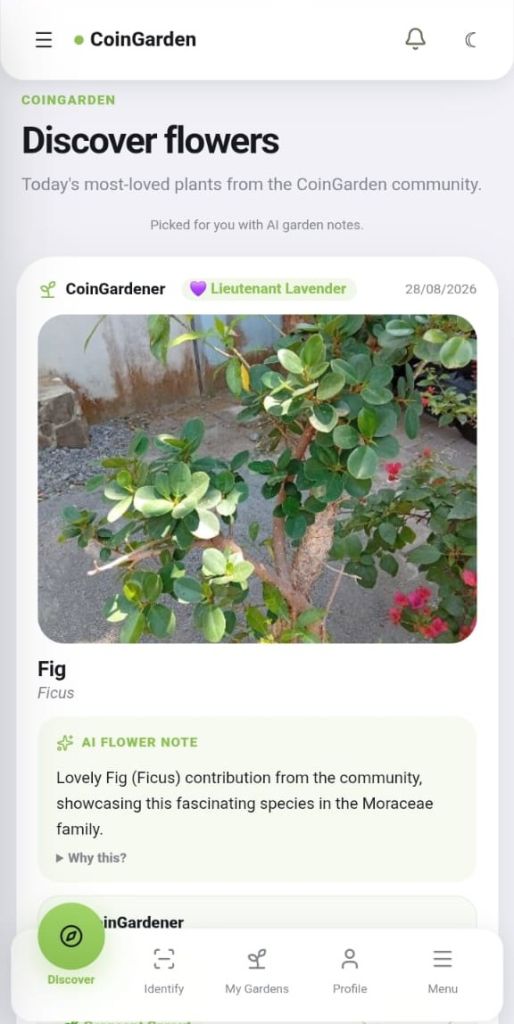
For me, that’s what makes the idea bigger than just another reminder app.
- You start with a flower you don’t know.
- You identify it.
- You give it a place in your garden.
- You learn how to care for it.
And eventually, you can share it with other people who enjoy growing plants too.
My Final Thoughts on CoinGarden
I still wouldn’t call myself a gardening expert.
But after putting my ten flowers into CoinGarden, I understand them a little better than I did before.
And maybe that’s the real point.
We don’t need to know everything about every flower to enjoy growing them. Sometimes, we just need the right information at the right time.
CoinGarden helped me go from simply having ten different flowers to actually understanding what each one needs.
The AI identification was a useful starting point. The individual care schedules helped me stay organised. The care history helped me remember what I’d already done. And the community adds another reason to keep exploring and sharing.
For a beginner gardener like me, that’s a pretty useful combination.
Take Nature in Your Hands
Understand every flower you grow.
Give every plant the care it needs.
And never lose track of your garden again.
Join the CoinGarden community and start building your own garden.


 Bulgarian
 English
 German
 Japanese
 Italian
 French
 Hindi